DotBot Academy
AIO team, Inria Paris
Step 1 · Who we are 1/3
Geovane Fedrecheski
Lead Research Engineer, AIO team, Inria Paris
Step 1 · Who we are 2/3
The French national research institute for digital science and technology.
4,350 collaborators: 2,500 Inria staff and 1,850 from partner institutions
Inria Paris, our centre
35 project teams
700 people
55 nationalities
With PSL, Sorbonne Université and Université Paris Cité. Figures from inria.fr and Inria’s institutional infographic.
Step 1 · Who we are 3/3
Formerly low-power wireless for the Internet of (Important) Things. Now robotic swarms, IoT security, chip-scale sensing.
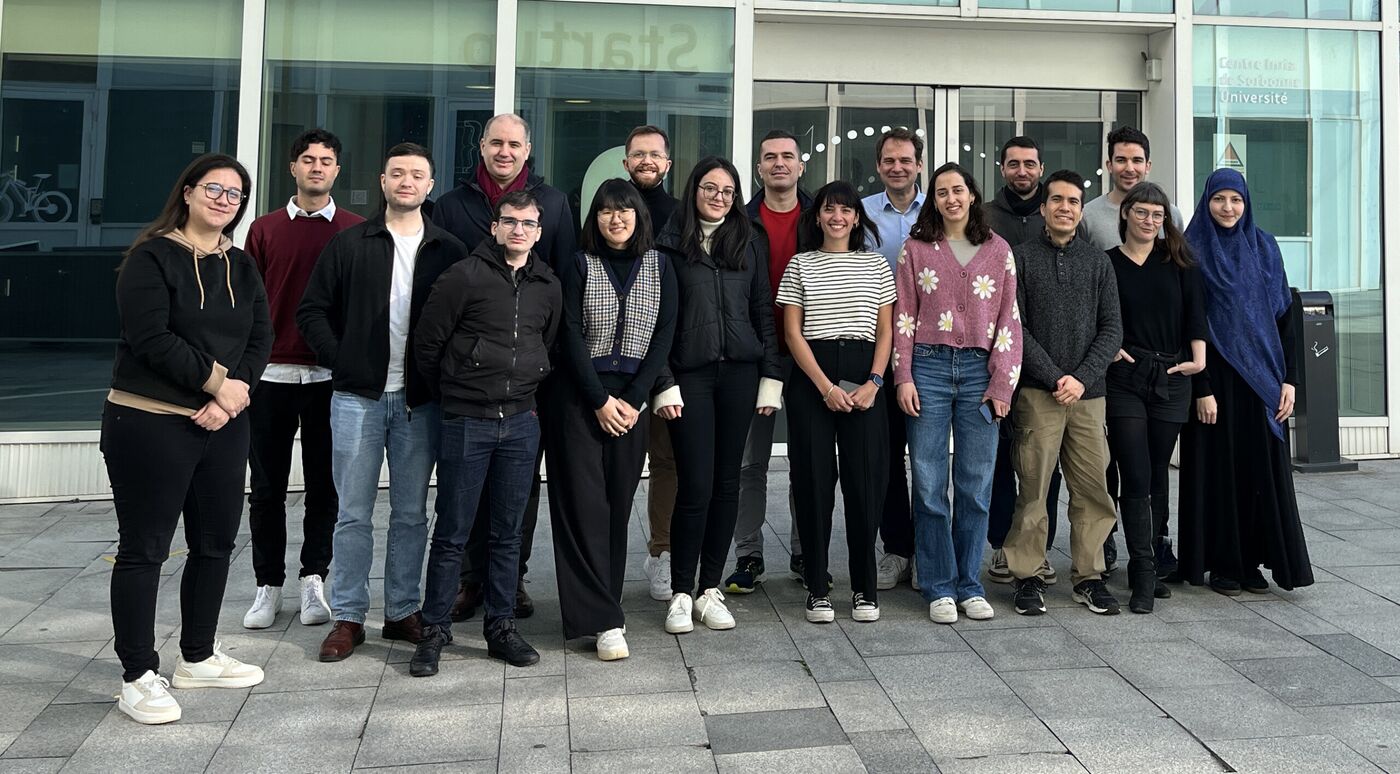
Figure 3: The AIO team, February 2024. Photo: aio.inria.fr.
Smart Dust Low-Power Wireless Networking Security in Constrained Systems Swarm Robotics Vehicle Area Networking
Step 1 · DotBot Academy 1/9
Program a swarm of small robots with Python: first in a simulator, then on real robots.
8 steps, from the simulator to real robots 2 + 2 two people, two robots per duo 20 robots in the room
Step 1 · DotBot Academy 2/9
logistics and warehouses environmental monitoring agriculture search and rescue inspection in hard-to-reach places collective transport space exploration
Step 1 · DotBot Academy 3/9
Lab swarms stop at a handful of connected robots or at slow ones, and real deployments are still missing.
Step 1 · DotBot Academy 4/9
| platform | good for | why it does not scale to a real swarm |
|---|---|---|
e-puck2 |
research | €1,200 per robot · not designed for swarms · under 10 connected at once |
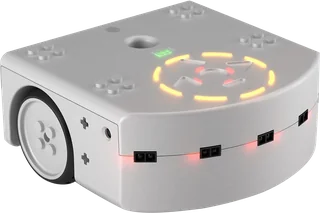
Thymio |
teaching, in schools | 1 to 8 hours to charge · under 10 connected at once |
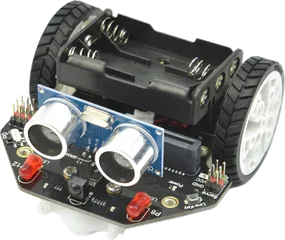
micro:Maqueen |
teaching, with a micro:bit | $32 plus a micro:bit · AAA batteries · no localization · programmed one robot at a time |
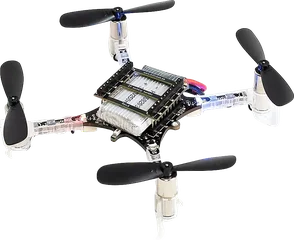
Crazyflie |
research and teaching | not designed for swarms · localization rare or costly · under 10 connected at once |
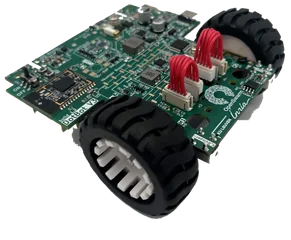
DotBot |
research and teaching | €150 per robot · built for swarms · charges in under a minute · localization from a €250 base station · 1,000 connected |
The usual setup: 2 hours to charge, under 10 connected robots, a €50,000 localization system, and tools that drive one robot at a time.
Step 1 · DotBot Academy 5/9
With hundreds of robots, every chore is multiplied. Each one is a pillar of today’s platform.
💶 Afford hundreds of robots → The robot
🔋 Charge them all, again and again → The robot
📍 Locate every robot, live → Lighthouse 2
📡 Connect hundreds at once, with low latency → Mari
🔄 Reprogram the whole fleet, safely → SwarmIT
🧪 Sim to real the same code in the simulator and on the floor → PyDotBot
The result: a slow rate of scientific progress. After M. Dorigo, G. Theraulaz, V. Trianni, Swarm robotics: past, present, and future, Proceedings of the IEEE, 2021
Step 1 · DotBot Academy 6/9
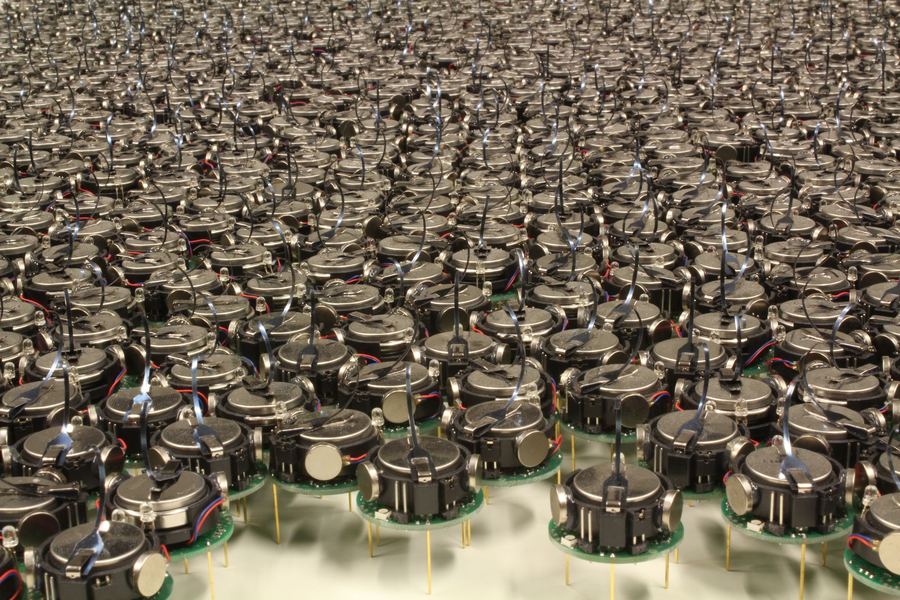
Problem Hundreds of real robots are out of reach for most labs, classrooms and companies
Solution An open platform for swarm robotics at scale: the DotBot testbed
Research Past the simulation-reality gap: experiments with hundreds of real robots
Education A real swarm in class, programmed in Python, instead of a few line followers
Innovation Physical validation of swarm ideas, without buying a hundred industrial robots
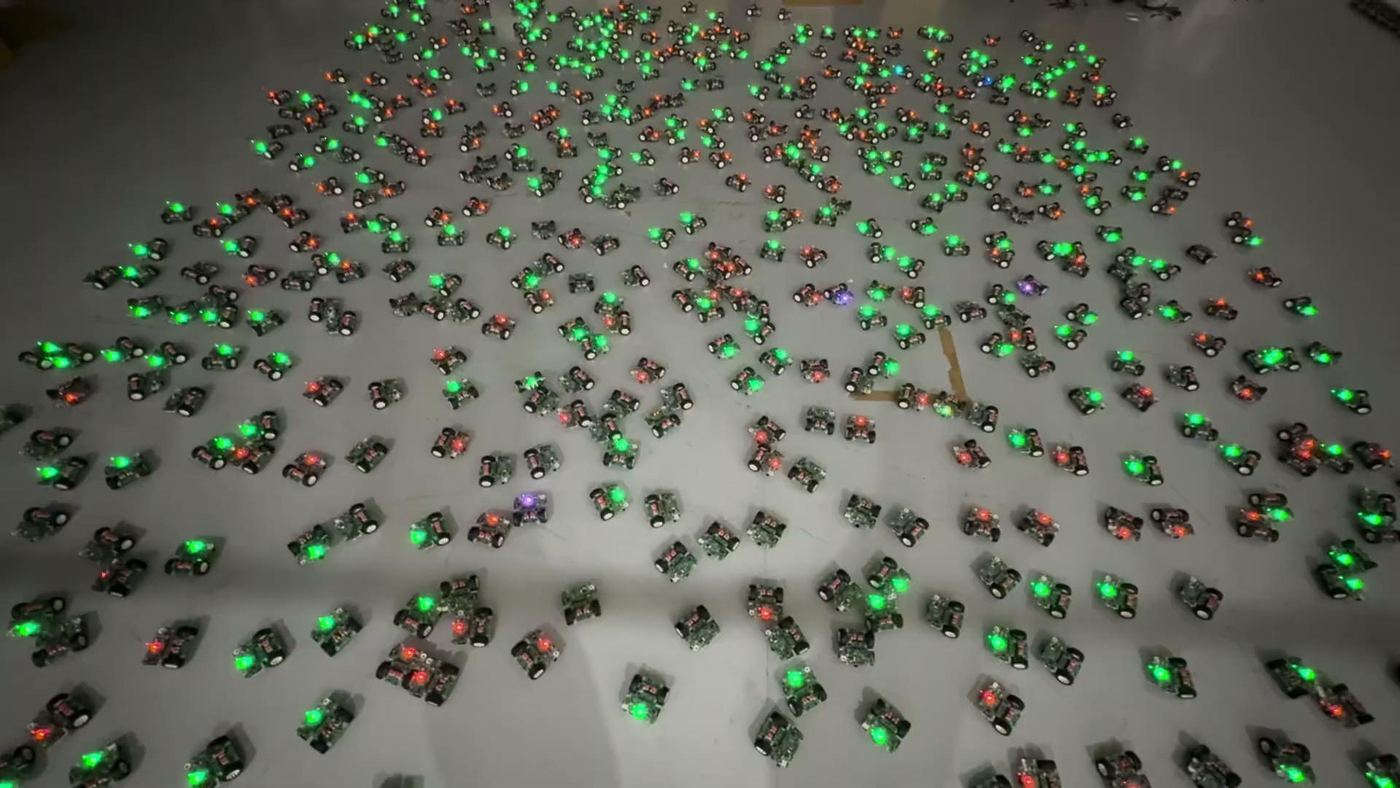
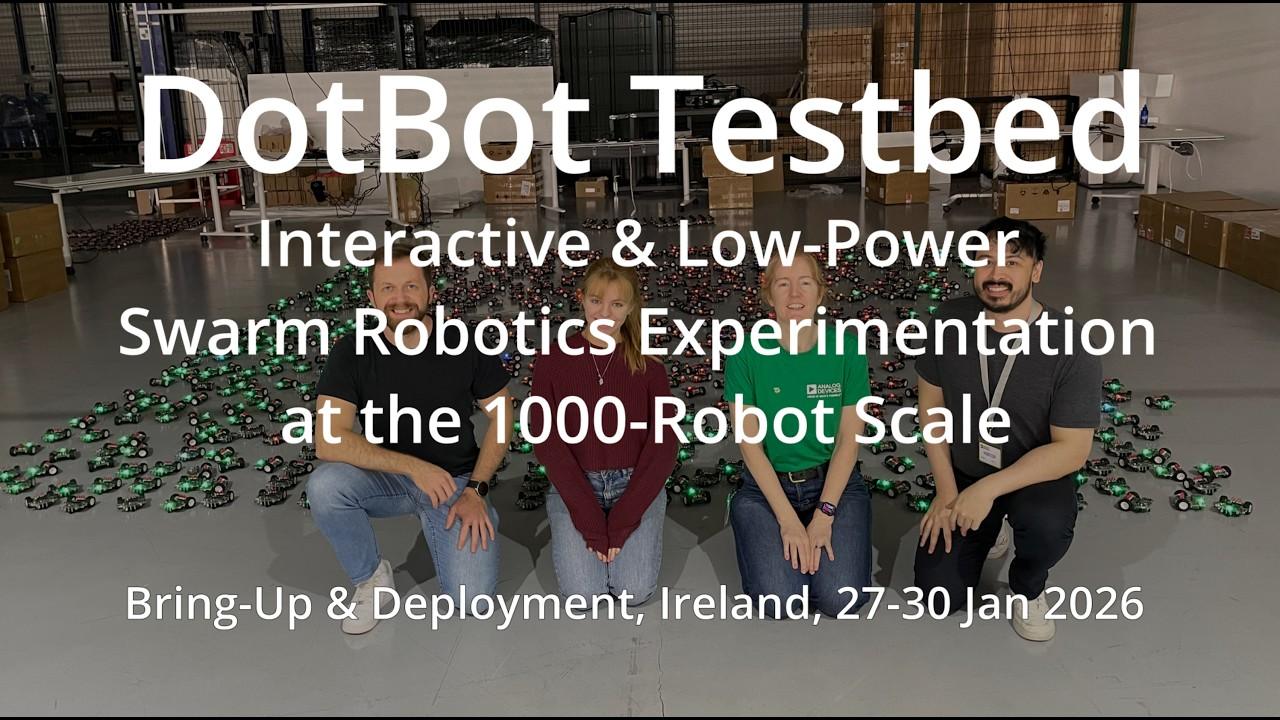
1,000 robots: the goal of our testbed, built in the EU project OpenSwarm
725 robots in one deployment, January 2026
open hardware, firmware and software
Step 1 · DotBot Academy 7/9
🤖 Hardware the DotBot robot, board and charging
⚙️ Firmware drivers and apps, in C, on the robot
📍 Lighthouse 2 localization, one photodiode per robot
📡 Mari the radio network for hundreds of robots
🛡️ SwarmIT safe reprogramming over the air
🐍 PyDotBot the software on your laptop
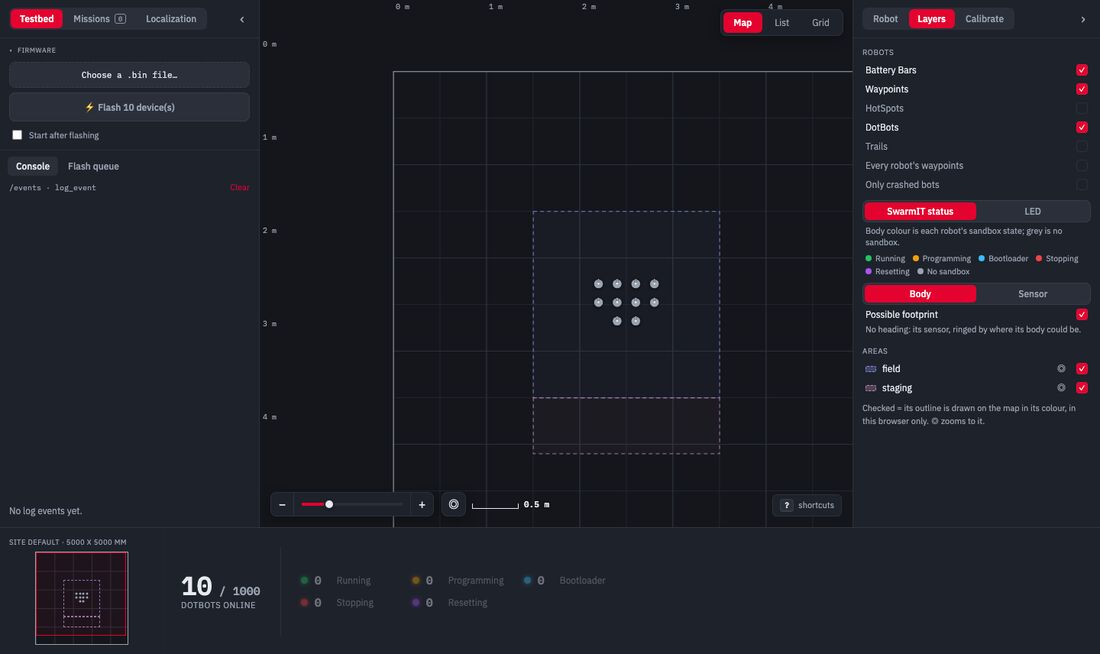
Our mission Enable a new level of swarm robotics experimentation: hundreds of real robots, open to everyone.
Step 1 · DotBot Academy 8/9
Follow the workshop pages; they take you into the docs when you need them.
Step 1 · DotBot Academy 9/9
Step 1 Introduction
Step 2 The platform: how it works
Step 3 Your swarm in the simulator
Step 4 My script moves a simulated robot
Step 5 Connecting to the real robots
Step 6 My script moves a real robot
Break Robots on the charger
Step 7 Moving to a certain position
Step 8 My two robots at once
Finale To be decided
Wrap-up Questions, and what comes next
Step 2 · The platform
→ ?
A swarm in a simulator is a few commands away. The real robots are right there.
How hard can it be?
Step 2 · What we have today
Everything you’ll use today runs on five building blocks. Each one is published research.
The platform · Overview
| problem | solution | how |
|---|---|---|
| swarms that are expensive and slow to charge | 🤖 The robota cheap robot, built by the hundreds | two 120 F supercaps, full in about 30 s |
| costly tracking that does not scale | 📍 Lighthouse 2off-the-shelf base stations | each robot computes its own position, from one photodiode |
| radios that stall past about 50 robots | 📡 Mariabout 100 robots per gateway, low latency | a TSCH schedule: one slot per robot, no collisions |
| buggy code that takes a robot out | 🛡️ SwarmITevery robot recoverable over the air | your app runs in a TrustZone sandbox |
| many parts to fit together | 🐍 PyDotBotone tool for the whole platform | one CLI, a controller with a REST API, a console, a simulator |
The platform · The robot 1/2
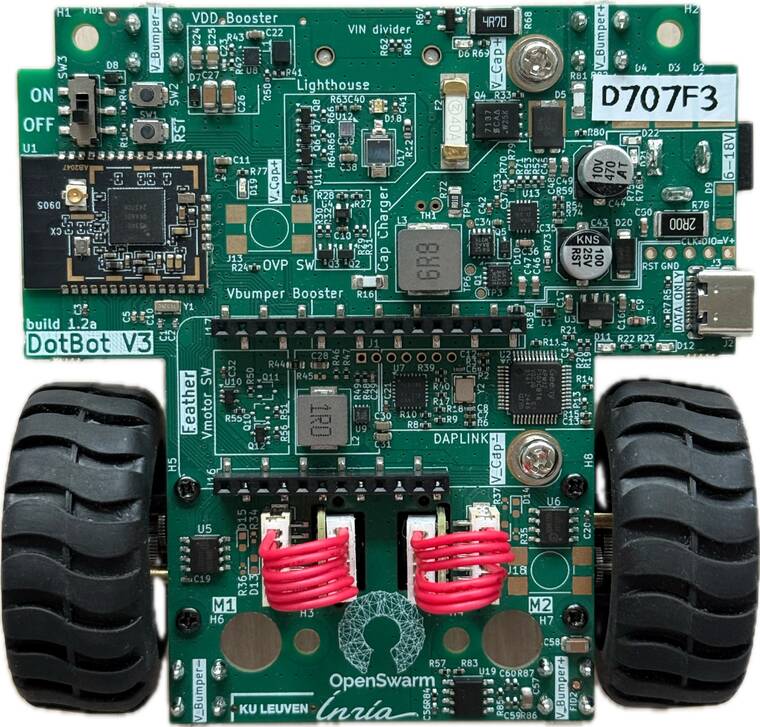
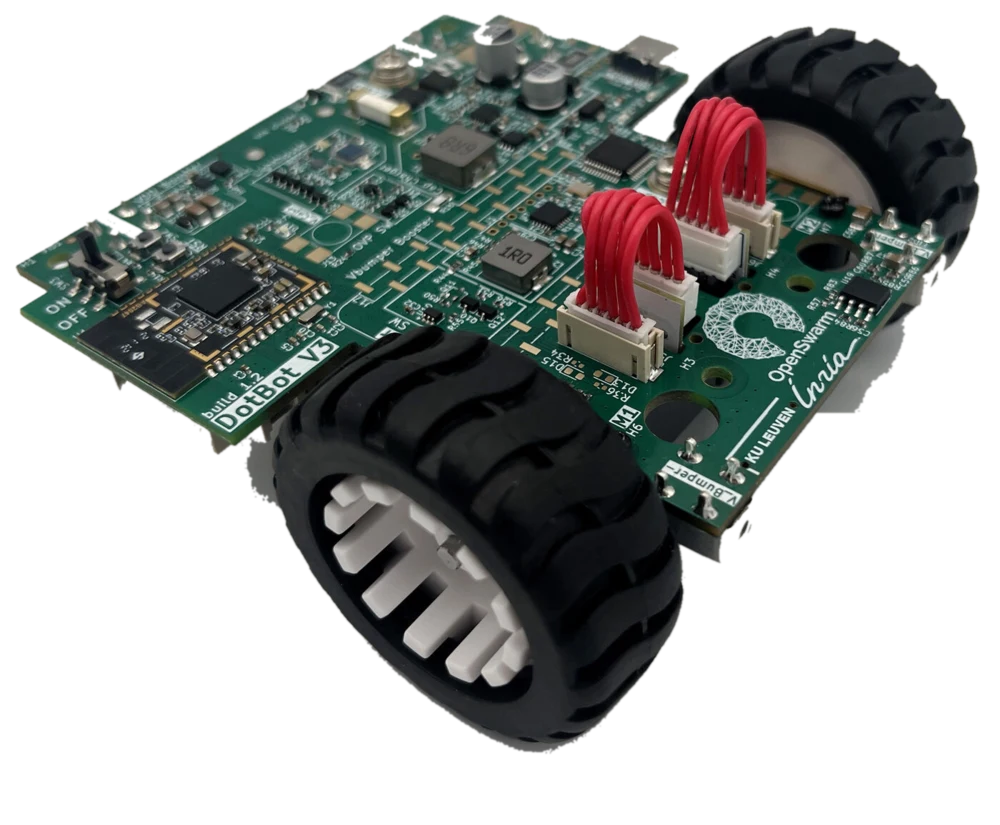
Problem Swarms of 100+ robots are expensive to build and to keep charged
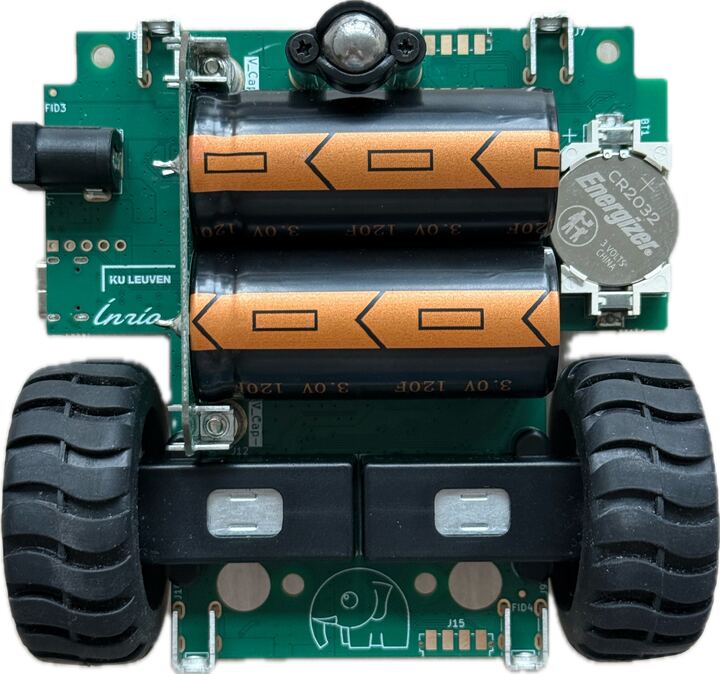
Solution A cheap robot, built by the hundreds, on supercaps that charge in about 30 s
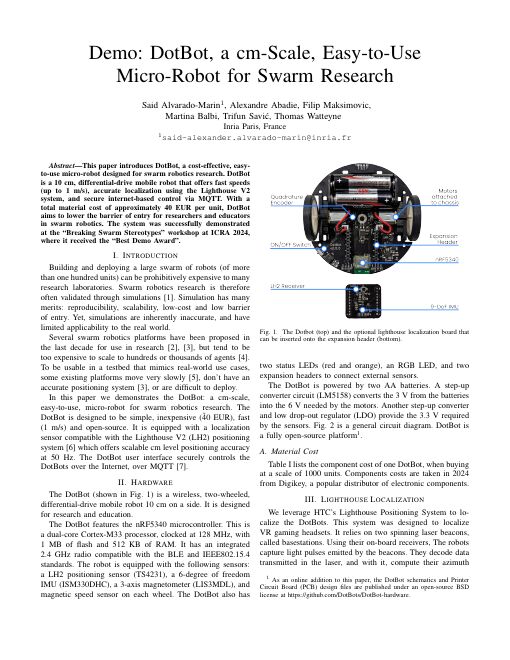
Best Demo Award
The platform · The robot 2/2


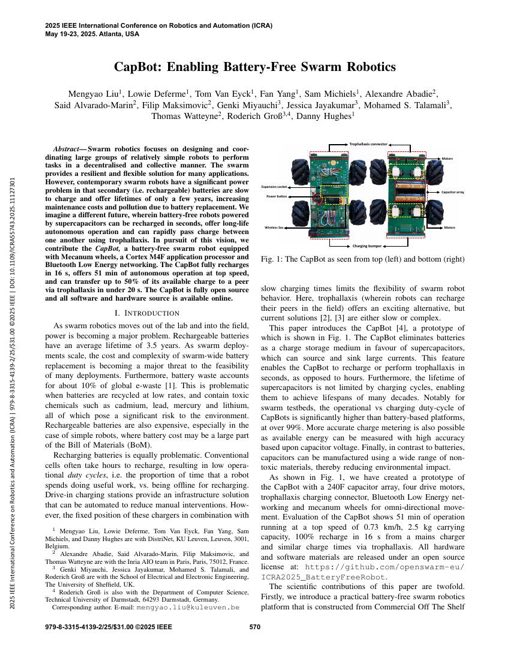
no battery 2 x 120 F supercapacitors
30 s to a full charge
~1 h of typical use
OFF also empties the supercaps, for safety
The platform · PyDotBot 1/2 runs on your PC
localhost:8000The platform · Localization 1/2 robot computes its position base station in the room
Problem Camera tracking is expensive and gets harder with more robots
Solution Off-the-shelf base stations, and every robot computes its own position on board
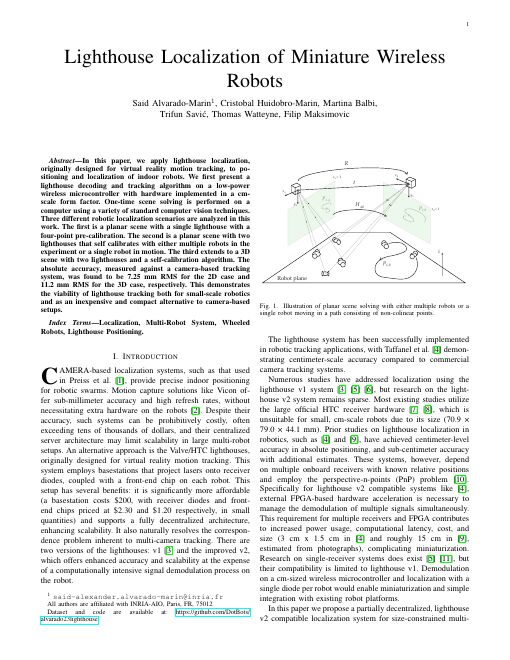
A base station sweeps infrared planes across the floor; each robot times them, and a one-time calibration turns that into (x, y) in mm.
The platform · Localization 2/2 runs on the robot

The platform · Mari 1/3 net core firmware on the robot gateway in the room
Problem Wi-Fi and BLE struggle past about 50 robots
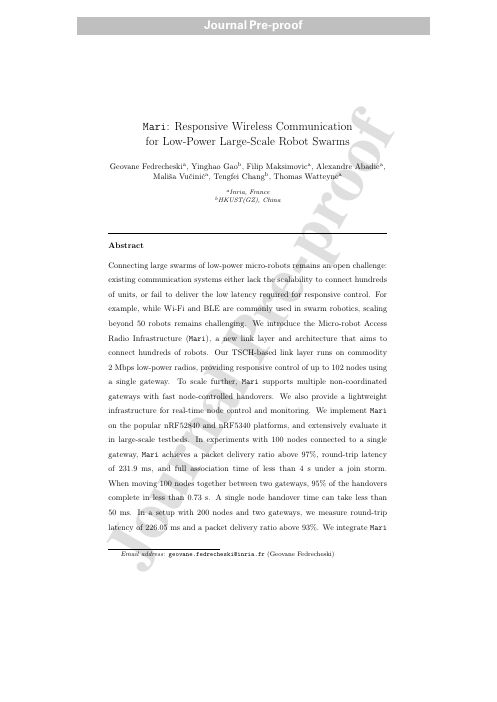
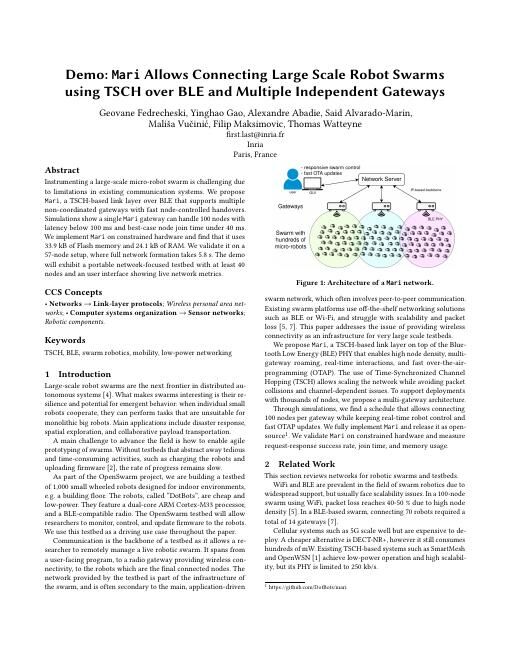
Solution About 100 robots per gateway, low latency for interactive control, a TSCH schedule for reliability
Best Demo Award
The platform · Mari 2/3
+2.5 ms per robot added to the slotframe
265.22 ms slotframe for 102 robots, 149 slots
40 to 231.9 ms median round trip, 10 to 102 robots
The platform · Mari 3/3
>97% packets delivered, 100 robots, 1 gateway
<4 s for all 100 to join at once
0.73 s 95% of handovers, 100 robots moving together
226 ms round trip with 200 robots on 2 gateways
Mari, Ad Hoc Networks, 2026: up to 200 nodes in the evaluation, 724 robots on 8 gateways in the DotBot testbed.
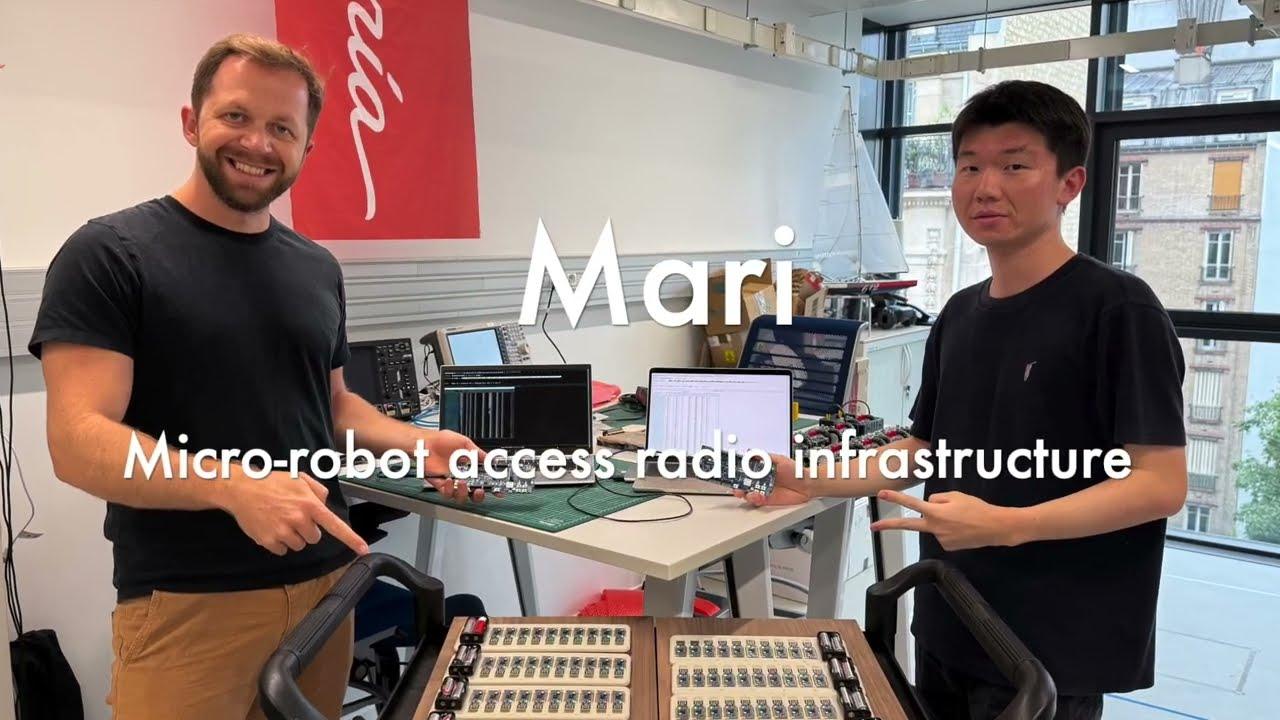
The platform · Mari video
The platform · SwarmIT 1/2 runs on the robot: bootloader + sandboxed app
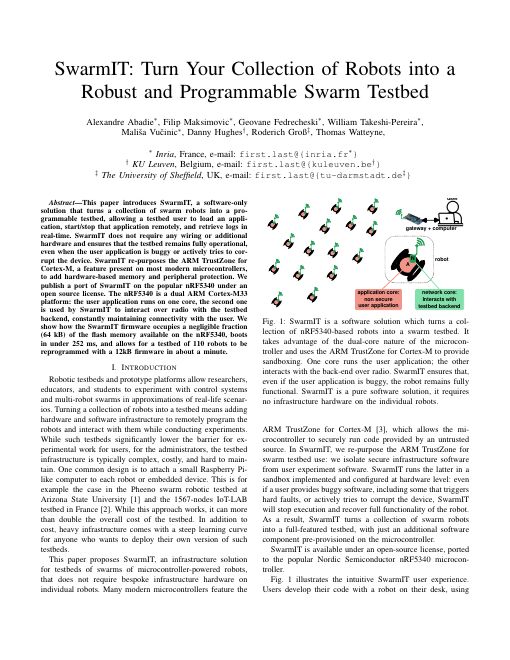
Problem Buggy user code can take a robot out of the testbed
Solution Your app runs in a TrustZone sandbox, so every robot can be stopped, reflashed and recovered over the air
The platform · SwarmIT 2/2 runs on your PC
~1 min 110 devices, 12 kB app (SwarmIT paper)
<4 min 600 robots, 4 kB app (Mari paper)
The platform · PyDotBot 2/2 runs on your PC
Problem Many parts to fit together
Solution One command line, a controller with a REST API, a console and a simulator
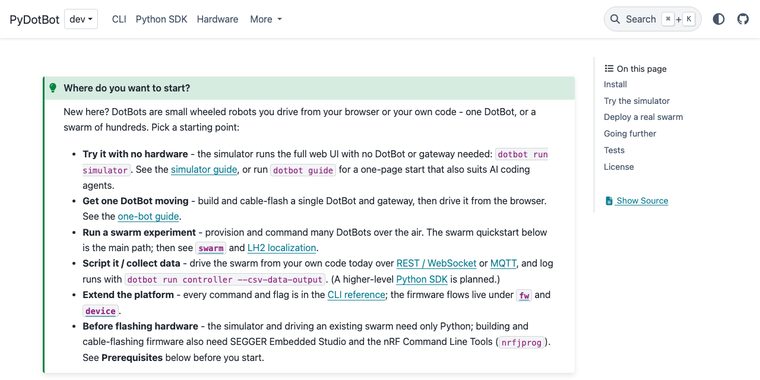
One dotbot command for the whole workflow, from one robot to a thousand. Install it with pip install pydotbot.
dotbot fw Build, fetch and list firmware. Never touches hardware.
dotbot device Flash one board on a USB cable and read its info.
dotbot swarm The whole fleet over the air: status, flash, start, stop.
dotbot run Processes on your computer: controller, gateway bridge, simulator, demos.
Every command and flag: the CLI reference at pydotbot.readthedocs.io.
The platform · Architecture
dotbot run controller to reach the real robots, or as dotbot run simulator for the same API with simulated robots inside.
The platform · Scale
The platform · How you program it 1/2 runs on your PC
All of this is packaged for you. This is a whole program:
hello.py
import time
import academy
academy.connect("http://localhost:8000") # your simulator
robot = academy.bot("000000") # its first robot, by label
robot.led(255, 0, 0) # red: red, green, blue, each 0 to 255
time.sleep(1)
robot.led(0, 255, 0) # green
time.sleep(1)
robot.led(0, 0, 255) # blue
robot.drive(speed=50, seconds=2) # 50 mm/s for 2 s: about 100 mmWhat it does not have to deal with
The same script runs on the simulator and on the real robots. No cables.
The platform · How you program it 2/2
Next: step 3, your swarm in the simulator
Step 3 · Your swarm in the simulator
Windows: .\.venv\Scripts\Activate.ps1 to activate. Told to upgrade? pip install --upgrade pydotbot
Together Check the version, start the simulator: four robots on the map
Duos Core: drive one from the console pad
Something fails? Raise your hand: we fix it now, not at step 4.
Step 4 · My script moves a simulated robot
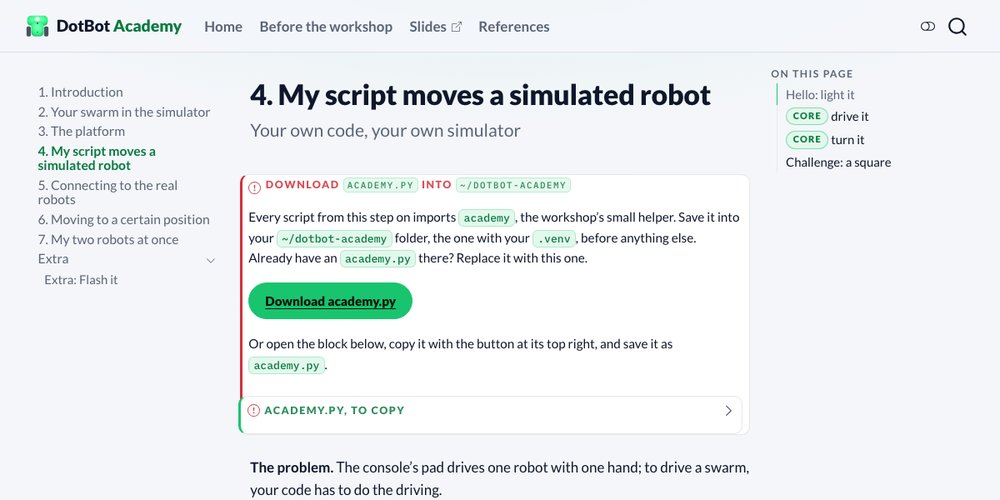
Together Download academy.py (the box at the top of the step 4 page), save hello.py, run python hello.py: robot 000000 turns red, green, blue
Duos Core: add a drive(), change its speed and time, then add a spin()
Challenge If there is time: a square, turning left
led(), drive(), spin(): speeds in mm/s, and each move stops by itself.
Step 5 · Connecting to the real robots
http://<instructor-ip>:8000; it reaches the robots through the broker, the gateway and the radio.
Step 5 · Connecting to the real robots
connect.py
"""Step 5: connecting to the real robots.
Point academy at the instructor's controller, find your two robots by their
labels, and light them up to check they are yours.
You should see: your two robots on the floor turn green, and their dots in
the instructor's console turn green too.
"""
import academy
BASE_URL = "http://192.168.1.10:8000" # TODO: the instructor's controller, from the board
LABELS = ["A1B2C3", "D4E5F6"] # TODO: the labels on your two robots
robots = academy.connect(BASE_URL)
print(len(robots), "robots on the controller")
for label in LABELS:
robot = academy.bot(label)
print("Found", label, "at", robot.position())
robot.led(0, 255, 0) # green: this one is yoursInstructor The console link on the board: http://<instructor-ip>:8000/console/
Duos Find your two labels in the console, then light them with connect.py: both turn green
Step 6 · My script moves a real robot
real.py
import time
import academy
BASE_URL = "http://192.168.1.10:8000" # TODO: the instructor's controller
LABEL = "A1B2C3" # TODO: the label on one of your two robots
academy.connect(BASE_URL)
robot = academy.bot(LABEL)
robot.led(255, 0, 0) # red: red, green, blue, each 0 to 255
time.sleep(1)
robot.led(0, 255, 0) # green
time.sleep(1)
robot.led(0, 0, 255) # blueDuos Core: real.py on one robot, then add the step 4 lines one at a time: drive, back, spin
Challenge If there is time: the square, with QUARTER_TURN tuned again
Same script, two lines changed. Watch where it ends.
Step 7 · Moving to a certain position
example.py
import time
import academy
academy.connect("http://localhost:8000") # your simulator
robot = academy.bot("000000") # its first robot
x, y = robot.position() # in mm: x grows to the right, y grows DOWN the map
print("Start:", x, y)
for target in [(x, y - 300), (x + 300, y - 300), (x, y)]: # up, right, back
robot.led(0, 0, 255) # blue while it drives
robot.goto(*target)
while not robot.arrived():
time.sleep(0.5)
robot.led(0, 255, 0) # green: there
off = academy.distance(robot.position(), target)
print("At", robot.position(), f"{off:.0f} mm from {target}")drive(), spin(): open loop, they count timegoto(x, y): closed loop, the robot checks its position until it is there(x, y) in mm, origin at the top-left, y grows downarrived() instead of sleep()Duos Core: there and back with goto()
Step 8 · My two robots at once
goto() returns at once: give every robot its target first, then wait for all of them.
Together Run two.py as it is: A drives, then B, one after the other
Duos Core: make them leave at the same moment, with goto()
Optional academy_parallel.py: drive() and spin() on both robots at the same time, with wait=False
Extra · For advanced groups or when time allows
Put your own programs on your two robots, over the air: lights, spin, then remote-control again.
Duos With your duo.toml: dotbot swarm -c duo.toml stop, then flash lights -ys, spin, remote-control
Every number in these slides comes from the papers on the References page or from the team’s DotBot v3 hardware notes. Docs: pydotbot.readthedocs.io.
For questions and duos ahead
Extra · Localization
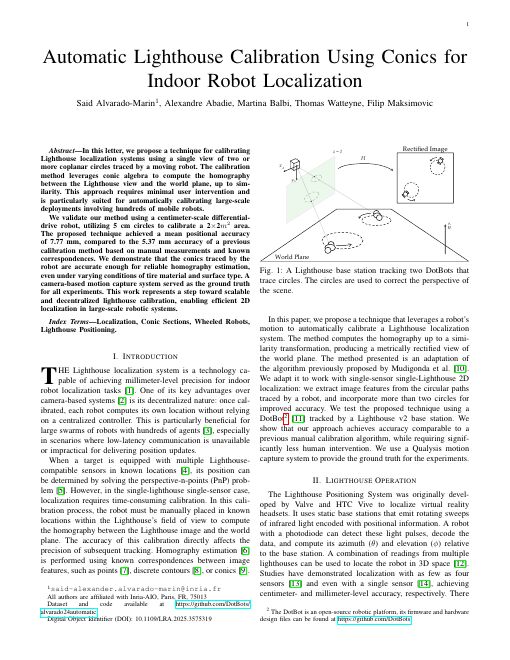
7.77 mm mean error, calibrated from circles
5.37 mm with the manual method, for comparison
Extra · Funding
Horizon Europe · Grant Agreement No. 101093046 This project has received funding from the European Union’s Horizon Europe Framework Programme under Grant Agreement No. 101093046. Views and opinions expressed are however those of the author(s) only and the European Commission is not responsible for any use that may be made of the information it contains.